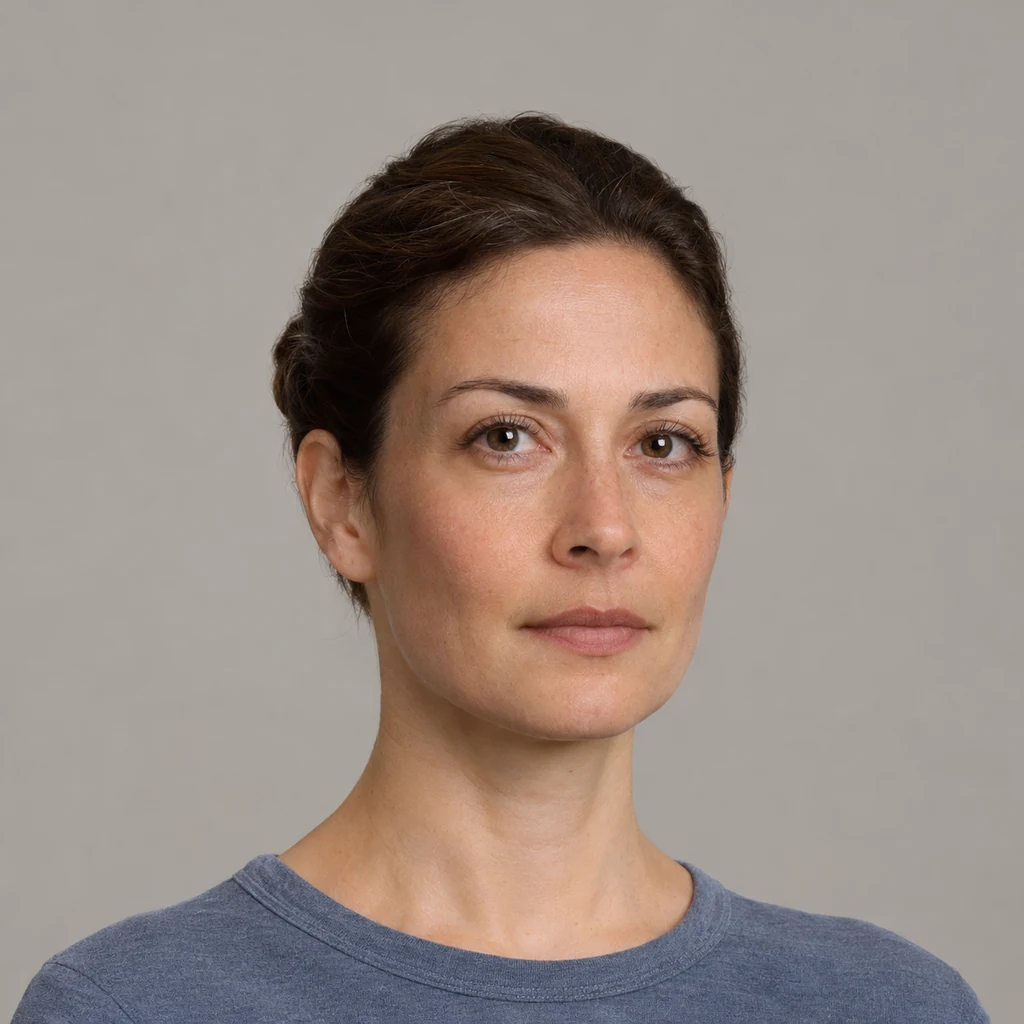
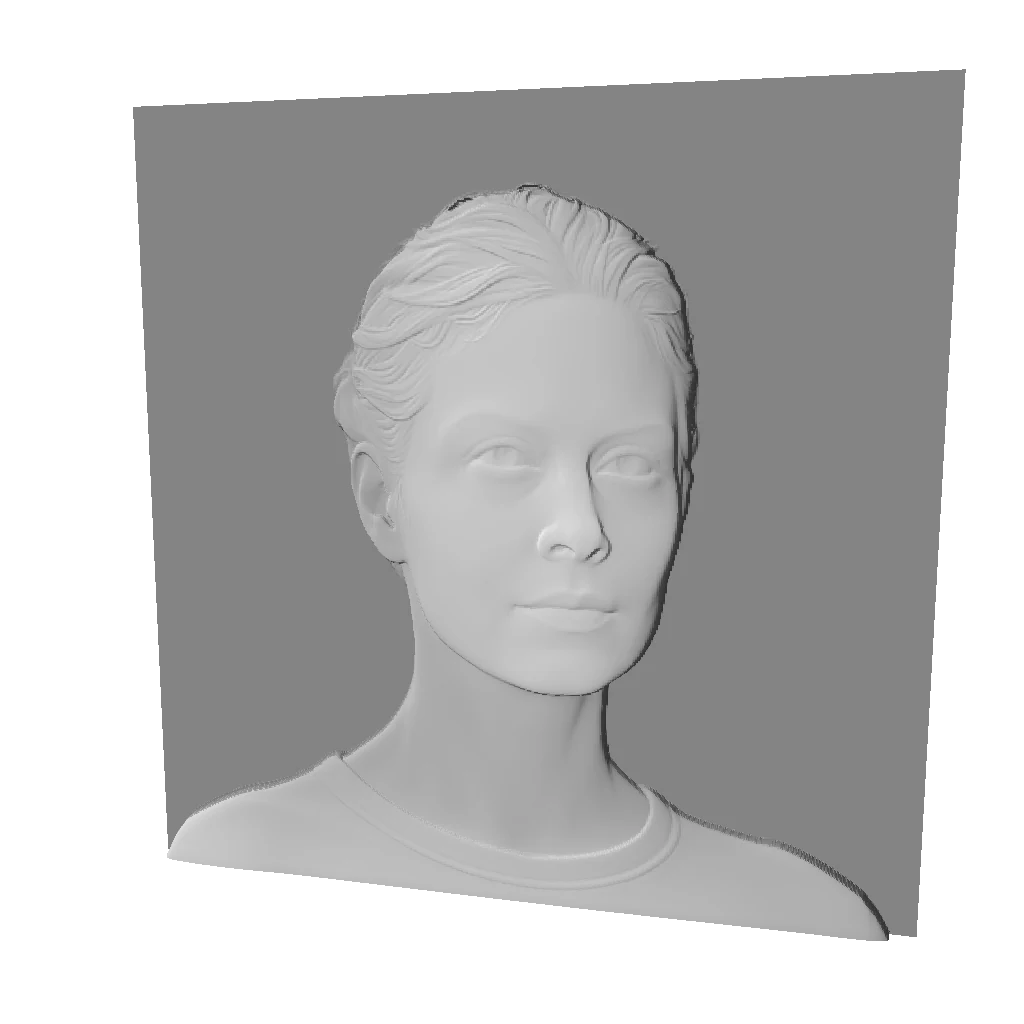
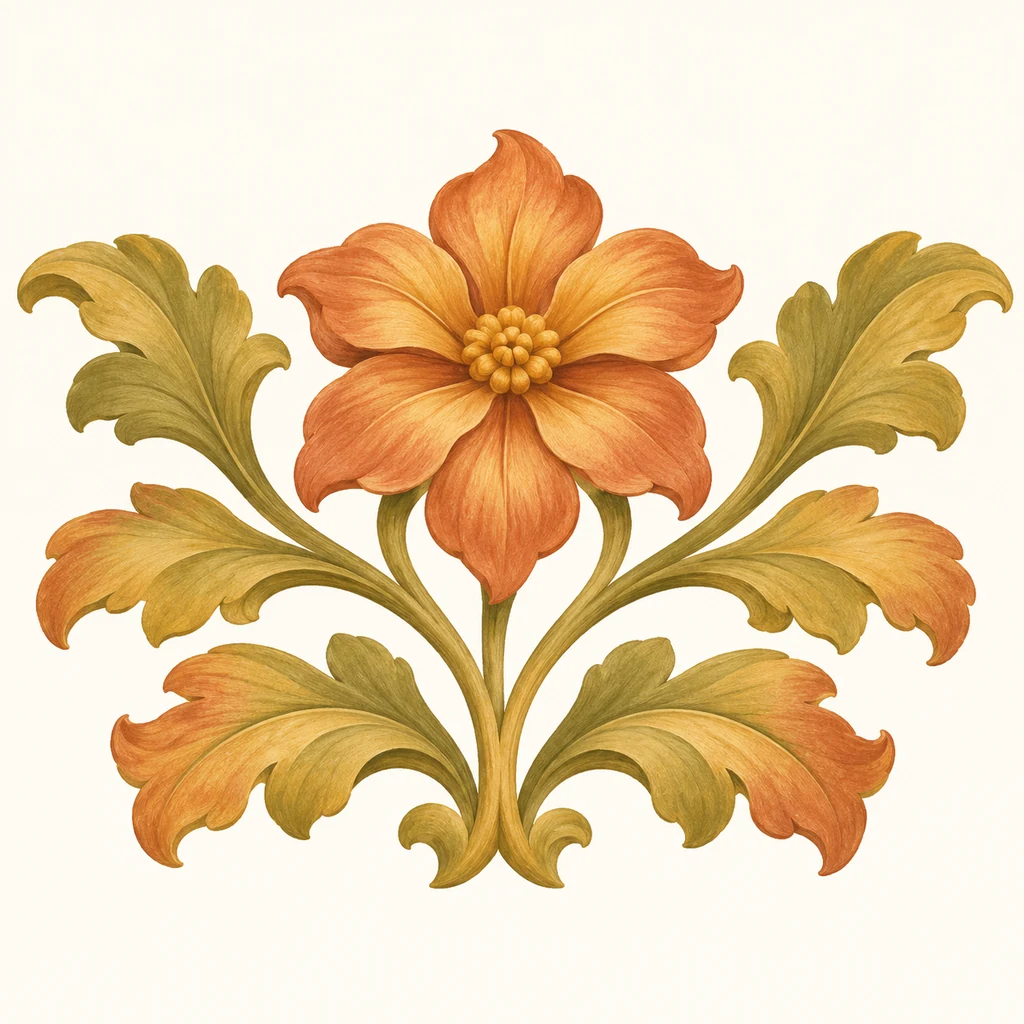
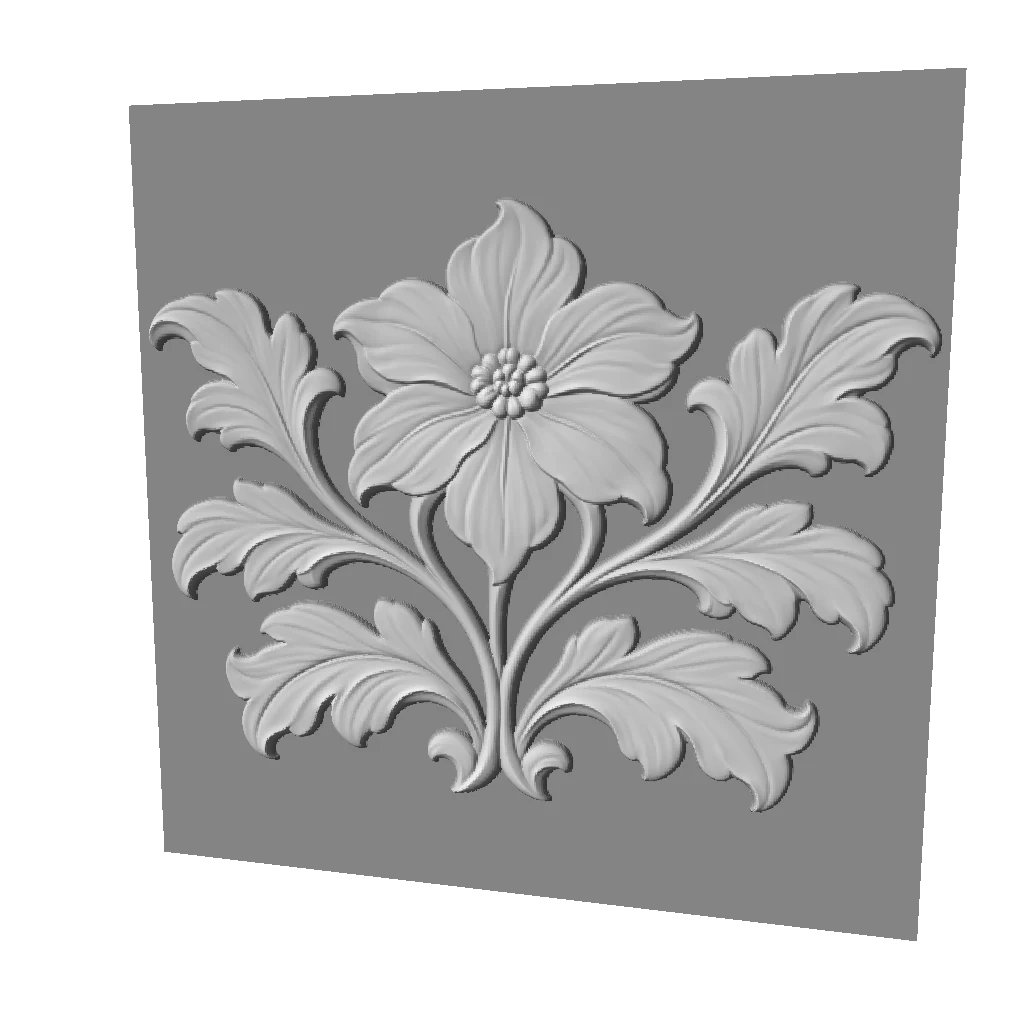
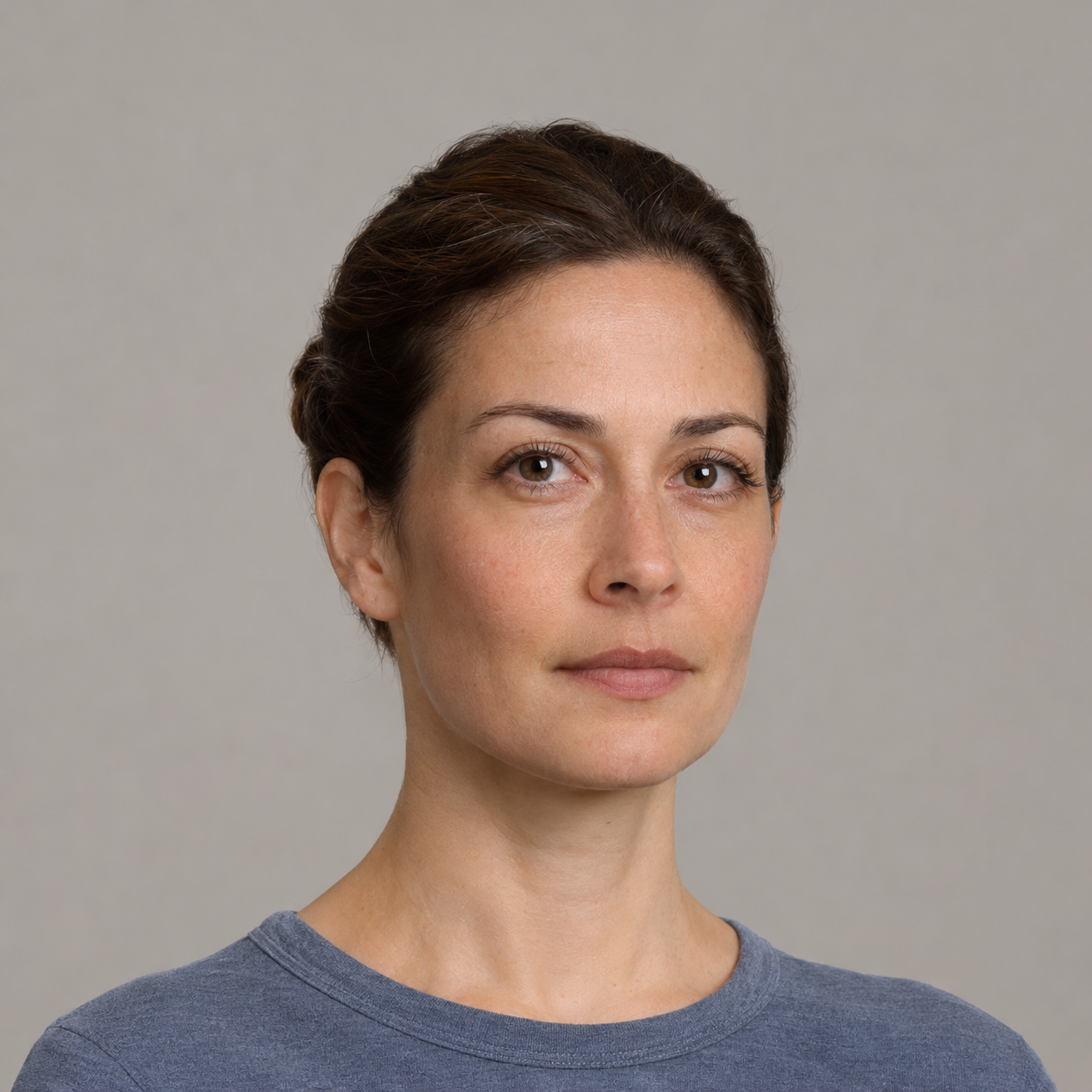
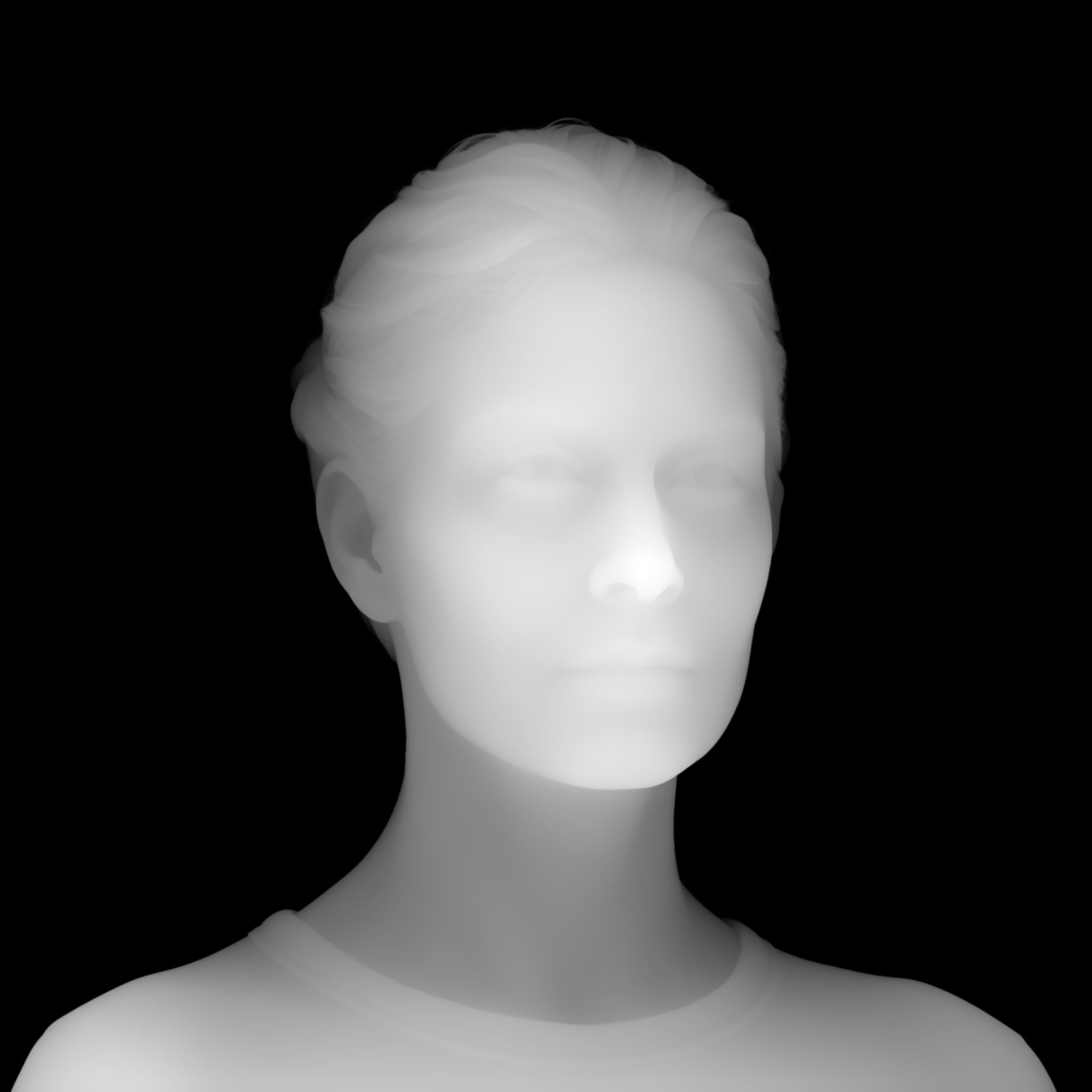
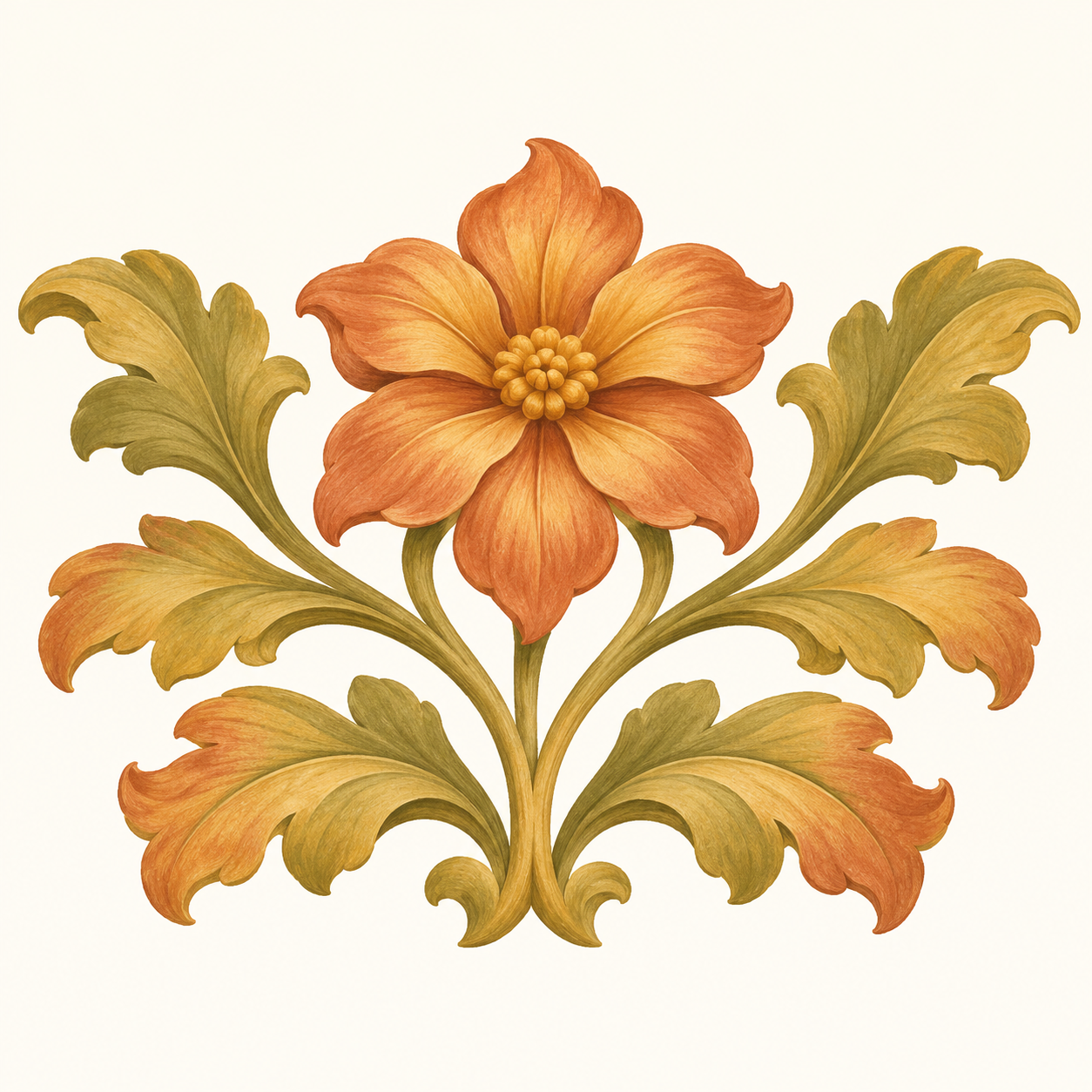
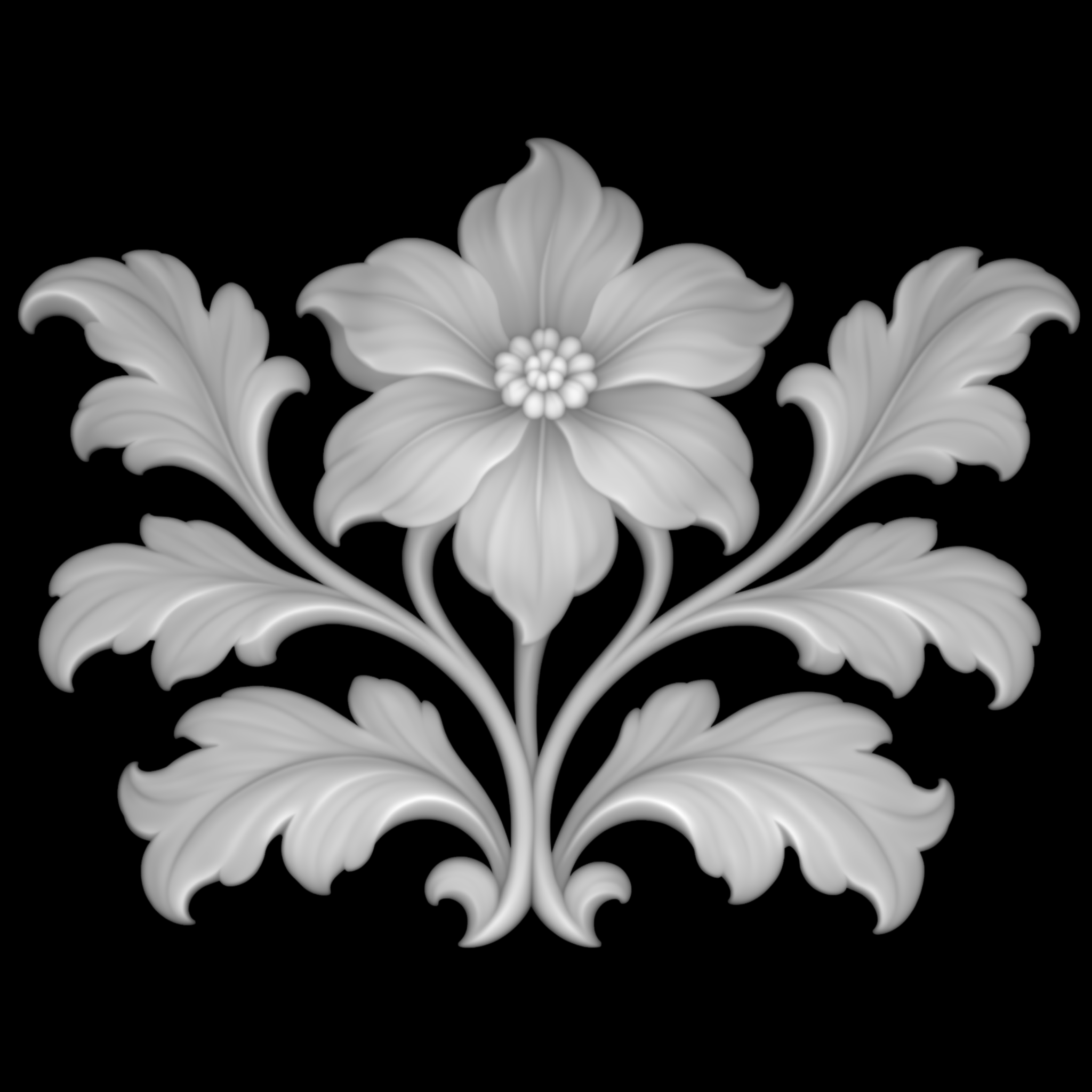
Compare four AI-created source images with their actual relief outputs: a pet keepsake, a portrait gift, a shop emblem and a botanical panel. Inspect the models and download the files.
An image. A relief. Your next project.
Four starting points for a keepsake, a gift, a brand or a decorative panel.
AI-created source images, converted with Meshy Relief via FAL. These are actual model renders; no physical prints or carvings have been tested.
A familiar face, made into a keepsake
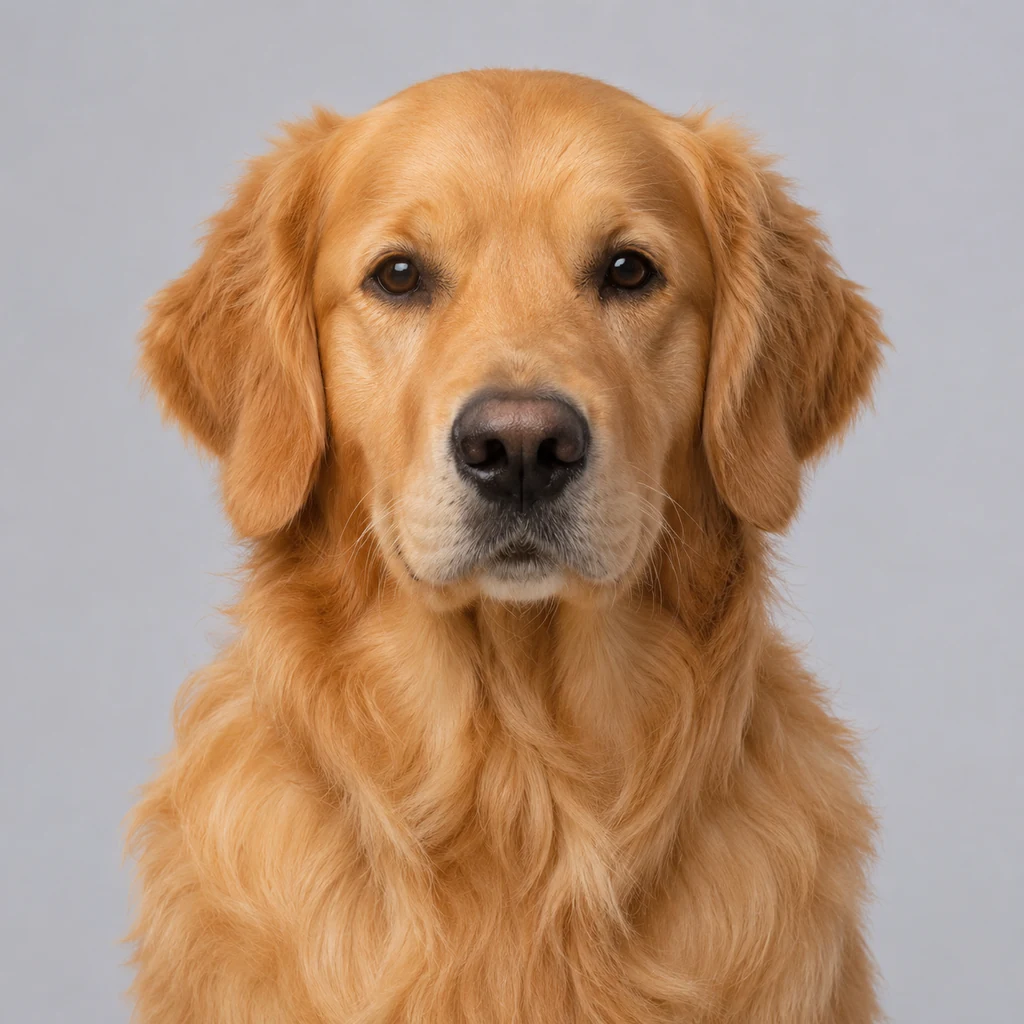
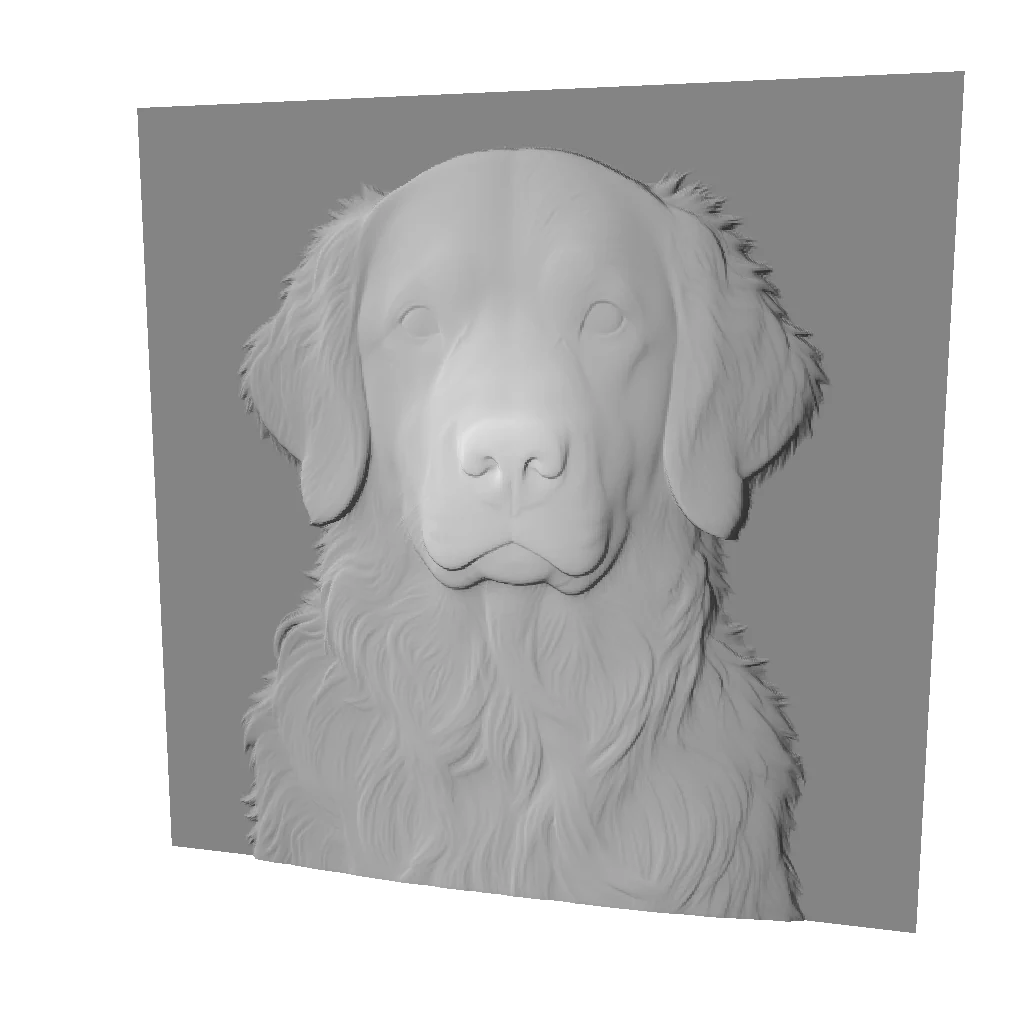
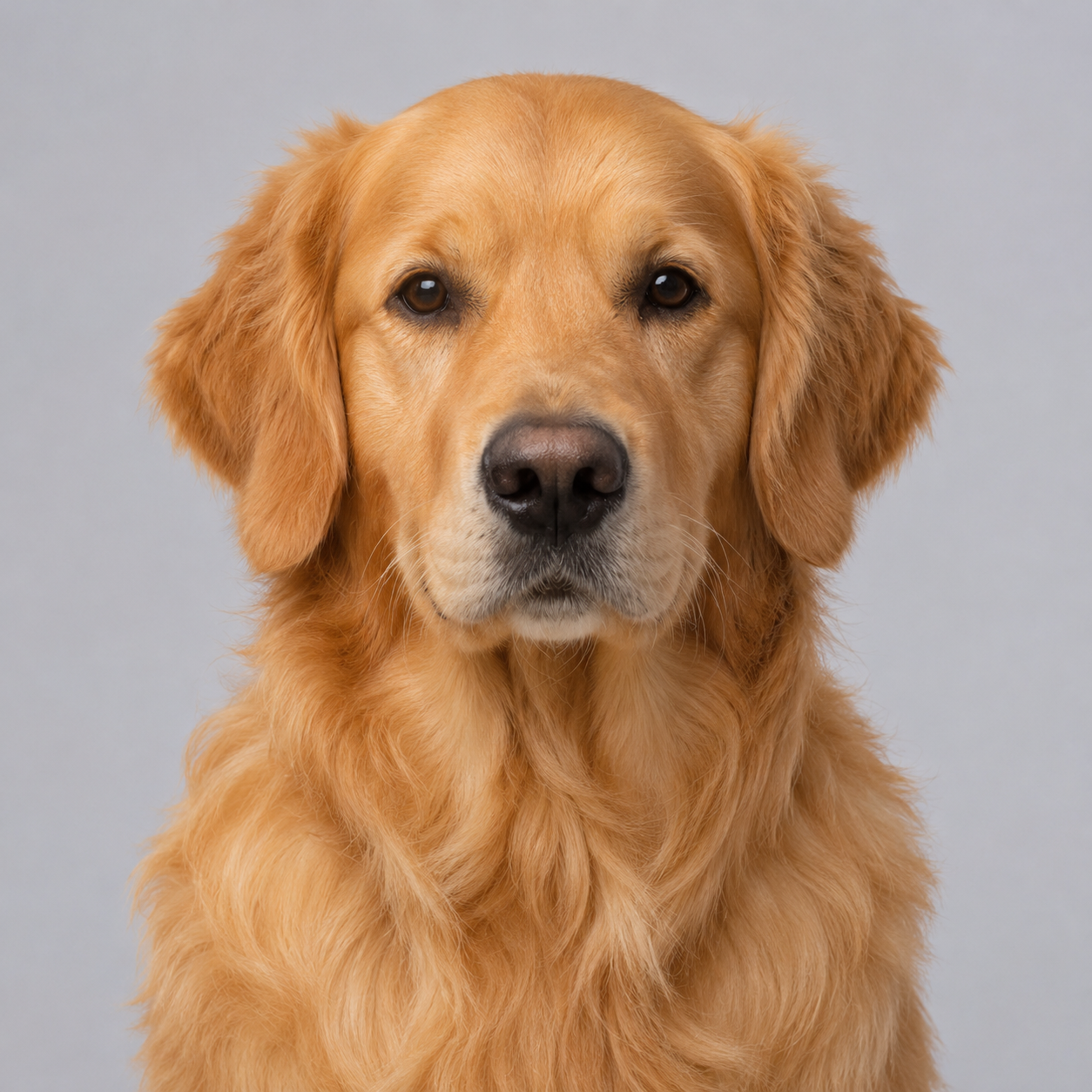
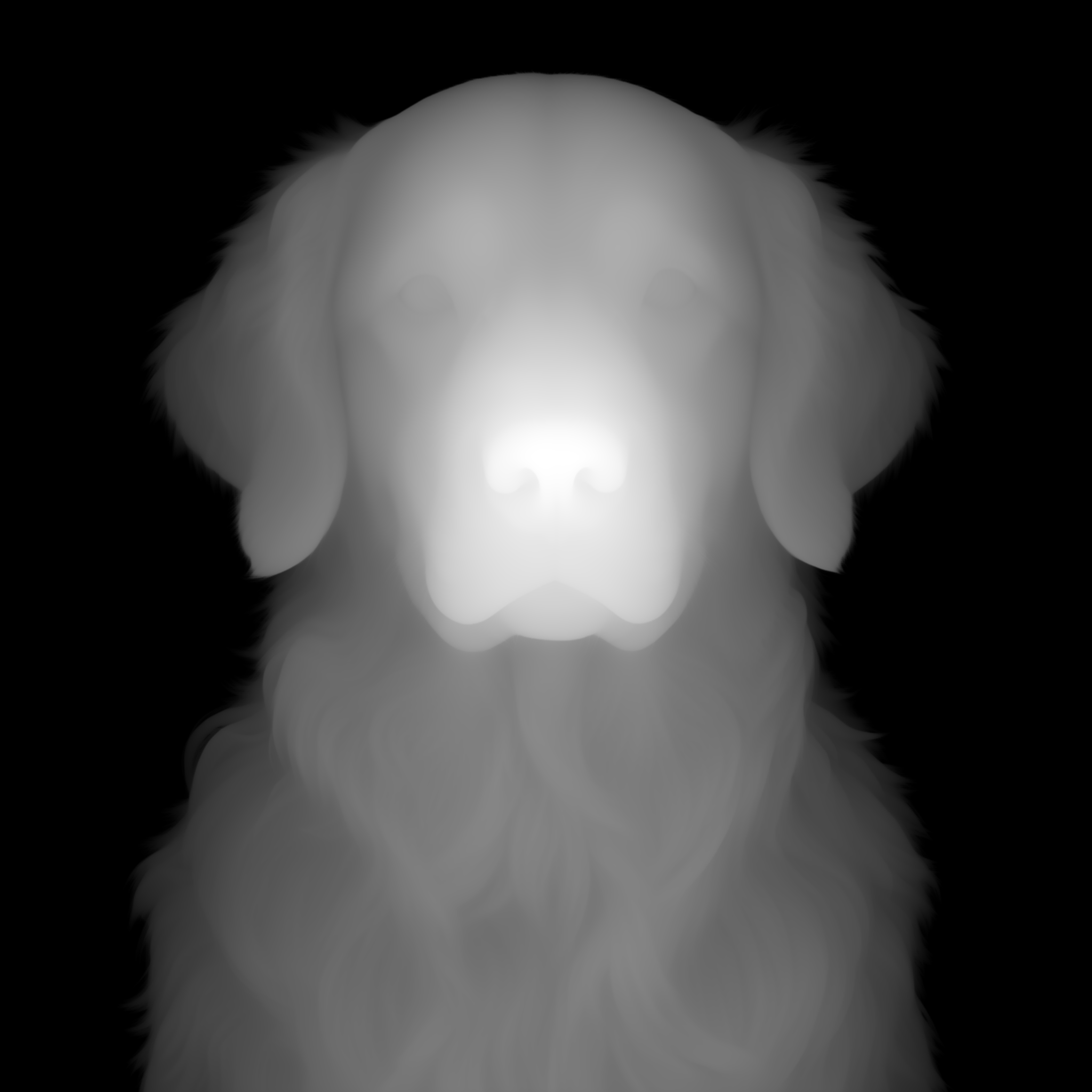
A front-facing golden retriever on a clean background gives the muzzle, ears and chest fur space to become a keepsake plaque.
Source image
The model retains the muzzle and raised fur detail. Check fine fur in your slicer; this is a shallow relief, not a full pet statue.
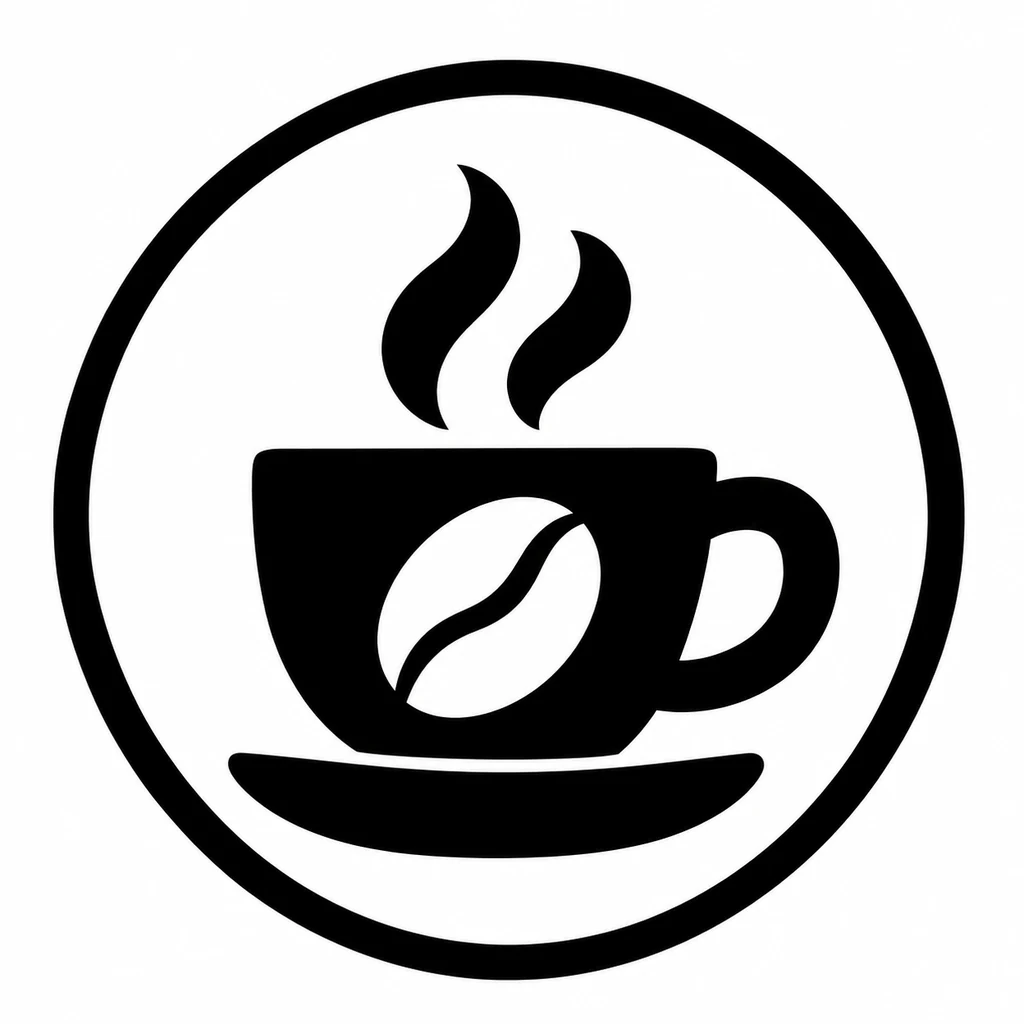
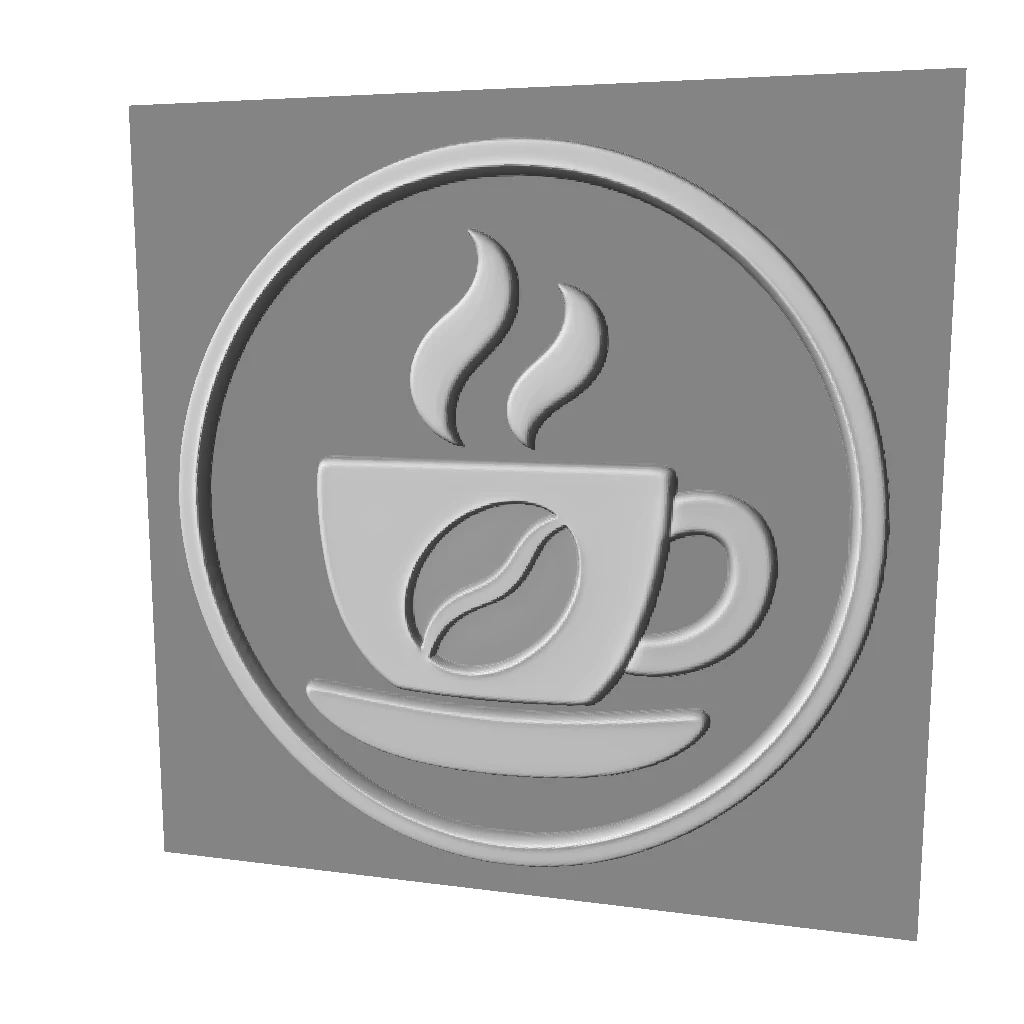
An original coffee cup and bean mark uses bold lines and open spaces to demonstrate a raised shop emblem.
Source image
The border, cup and steam become raised contours. This is an unmirrored plaque; a working stamp needs separate orientation, carving and impression checks.
Original practice patterns with local brightness previews. These are not AI photo results or physical prints.
Source pattern
Preparing…
Monogram stamp
A simple original mark for testing mirrored, recessed geometry. Check the direction of the impression before making a stamp.
Depth changes the relief. Inspect size and base changes in the 3D view.
Work through this pattern
Check the mirror
The stamp practice is mirrored and sharpened. Every preview uses that prepared image. Inspect the letters, then compare with the original in the studio.
Compare carving
Switch between recessed and raised relief in the surface and 3D views. The actual impression still needs checking before fabrication.
Keep edges clear
Open the studio to inspect small lettering, fine lines and margins. A brightness preview alone cannot confirm that a stamp will work.