CNC photo relief
A CNC photo relief begins with a shallow height field. This tool produces model and depth files; your CAM software still determines tool diameter, stepover, feeds, speeds and safe toolpaths.
Prepare a shallow relief model
- Long side (mm)
- 150 mm
- Relief depth (mm)
- 3 mm
- Base thickness (mm)
- 3 mm
- Surface direction
- Raised
Starting values for a design study. Check the generated file before making it.
An image. A relief. Your next project.
AI-created source images, converted with Meshy Relief via FAL. These are actual model renders; no physical prints or carvings have been tested.
Botanical artwork for a decorative panel
A flower and flowing acanthus leaves become a 150 mm relief study with shallow contours for a decorative panel.
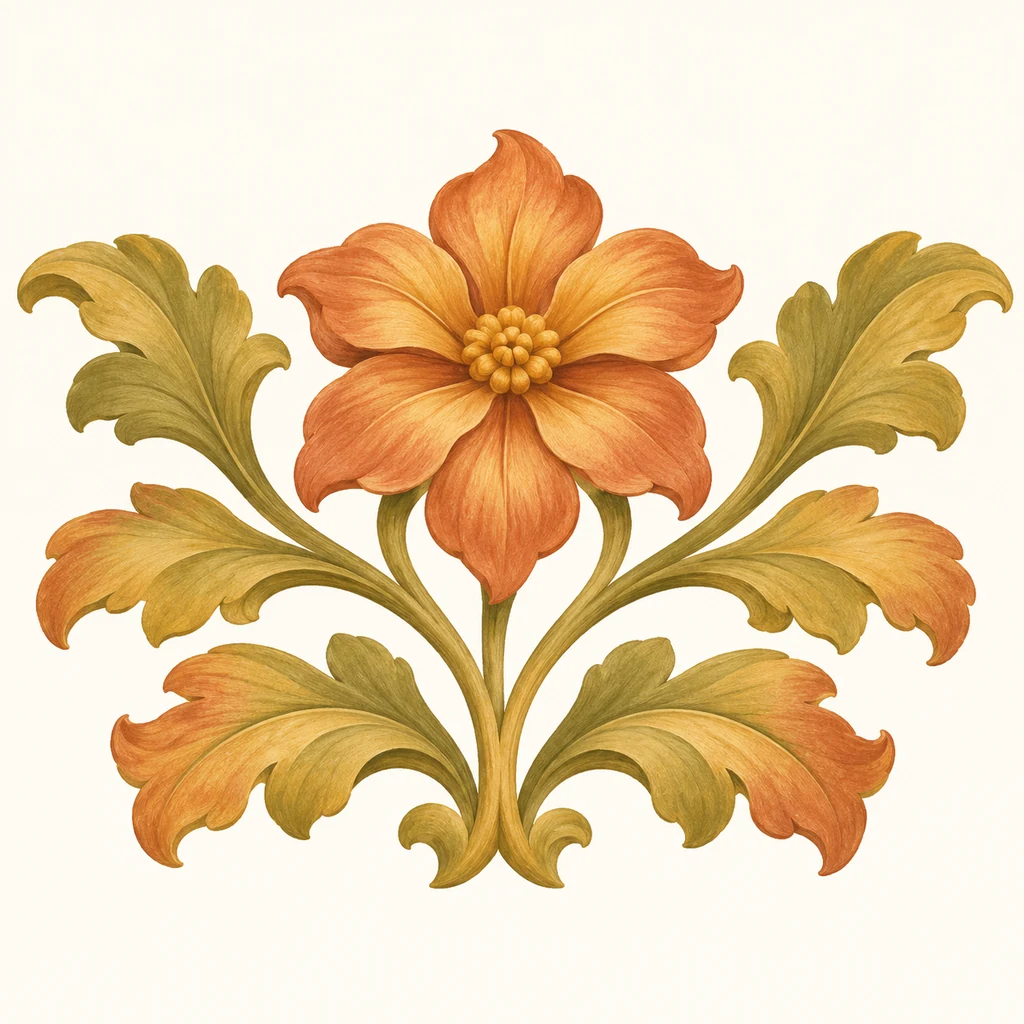
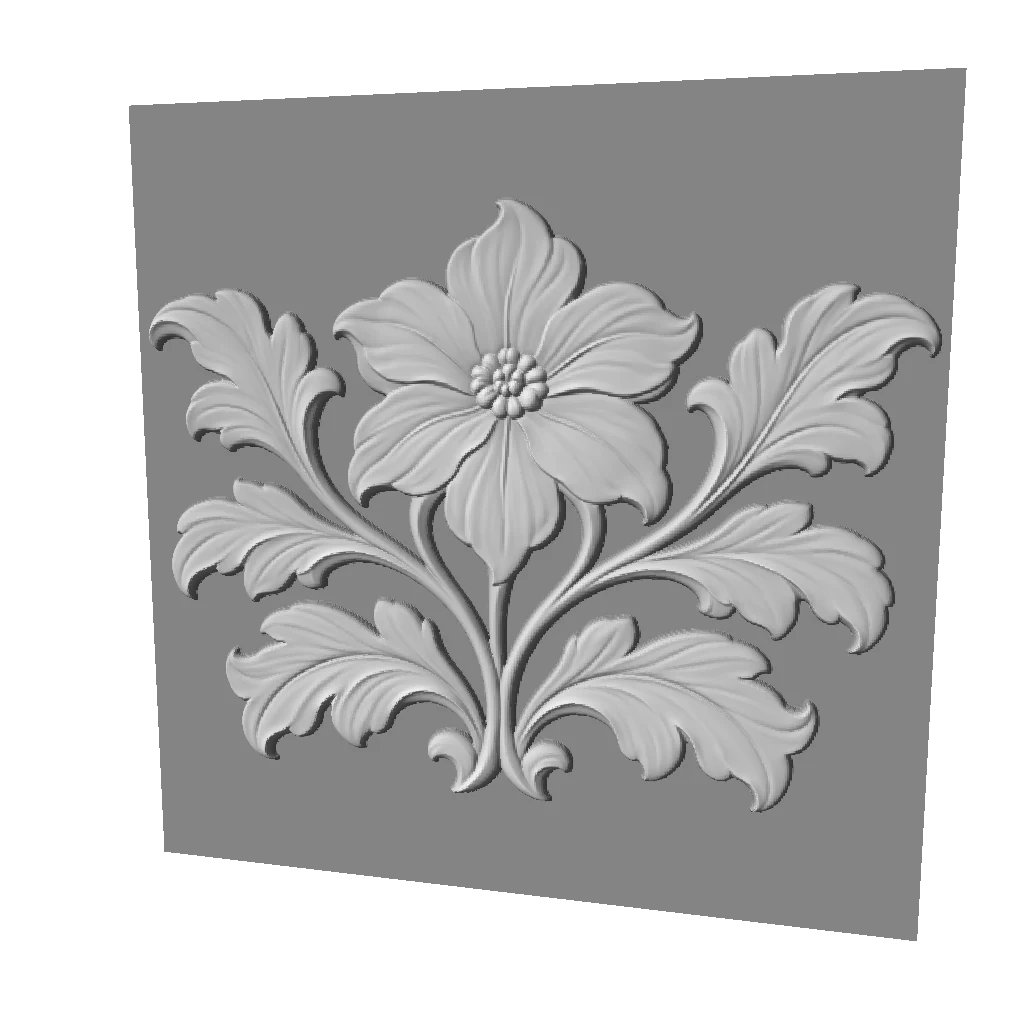
Petals and leaf veins form continuous contours. These are shape and depth files; check tool access and create toolpaths in CAM before machining.
Explore this workflow- Longest side
- 150 mm
- Relief depth
- 3 mm
- Base
- 3 mm
Embossed · base retained · no bend · mesh 512
Choose this kind of image
A clearly layered subject without dense overlapping texture, with room for a base suitable for your workholding plan.
Choose another image if…
Deep narrow slots, fragile projecting details or a task that requires machine-ready toolpaths.
Match the subject to the cutter
Fine hair, lettering and deep narrow recesses may be smaller than the cutter can reach. Simplify the source rather than assuming a higher mesh resolution will solve tool access.
Use a shallow first study
The CNC preset begins at 150 mm long side, 3 mm relief depth and a 3 mm base. Check stock thickness and workholding in CAM; these values are illustrative, not a machine program.
Inspect before cutting
Check scale, orientation and the full toolpath simulation. A relief model does not include fixtures, tabs, safe heights or a tested cutting strategy. Start with scrap material.
Before generating again
- Details are smaller than the cutter can reach
- Check reachable areas in CAM with the actual cutter, then enlarge the model or simplify the image. Mesh resolution alone does not solve tool access.
- The model exceeds the available stock thickness
- Add relief depth and base thickness, then check the total against stock and workholding settings in CAM. Bent models also need a full bounding-box check.
Questions about this workflow
Does the download include G-code?
No. Downloads include STL, GLB, a 16-bit PNG and a bundle. Create and simulate toolpaths in CAM software configured for your machine.
Is the 150 mm size fixed?
No. It is the CNC preset long side and can be changed within the editor range. The crop ratio determines the other side. Confirm millimeter units and actual dimensions after importing into CAM.
Can the model be machined in any material?
The file does not guarantee material compatibility. Wood, plastics and metals need different tools and processes. Choose an appropriate strategy and validate it on scrap.